
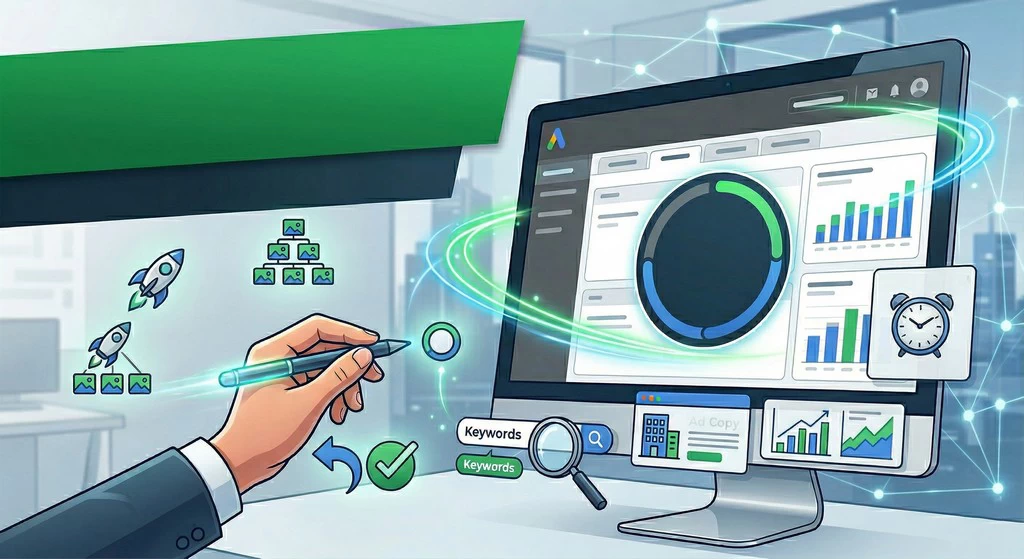
Anyone who has ever set up ads through a standard browser knows the feeling: the page takes forever to load, making a tiny tweak to ten different ads takes an eternity, and if you accidentally close the tab—all your work goes down the drain. If your ad account has grown too large and the time spent maintaining it is outpacing your profits, it’s time to get to know the “ad editor.”
This is a free application that you install on your computer. It allows you to work on your ads without an internet connection, make bulk changes with a single click, and, most importantly, save your time and sanity.
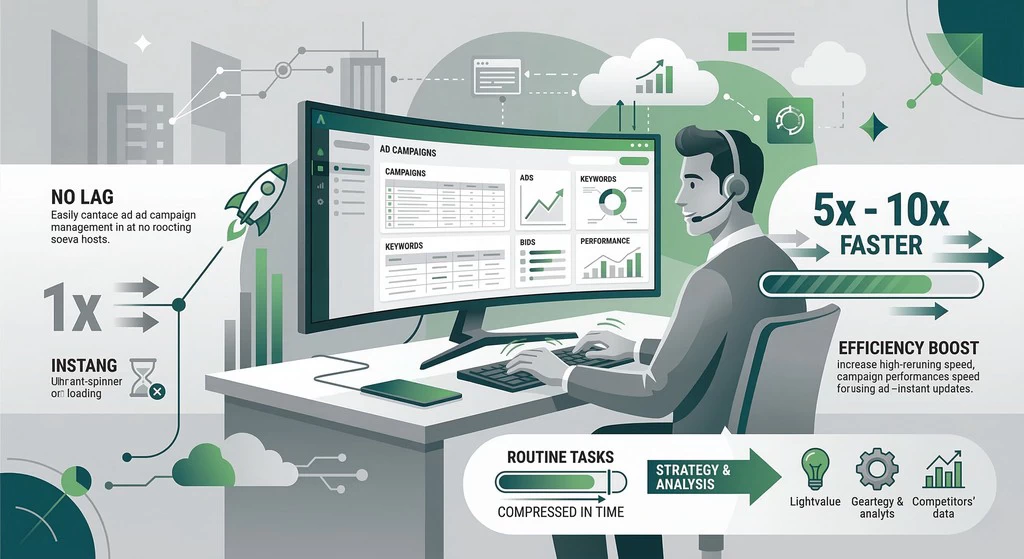
1. Work Without “Lag” or Waiting The biggest advantage of the software is speed. You download your campaigns once, and then you work with them just like regular folders on your computer. No more waiting for pages to refresh or dealing with browser crashes. Interesting fact: Statistics show that an experienced specialist using the Editor performs routine tasks 5–10 times faster than through the online interface. For a business, this means that instead of hours of tedious manual labor, you can spend that time on strategy and competitor analysis.
2. Bulk Edits: One Click Instead of a Thousand Imagine needing to change the price in a hundred ads or add a new negative keyword to all your campaigns. In a browser, this would be a grueling multi-hour task. In the Editor, there is a magic “Find and Replace” function. You simply specify which word to change and what to replace it with—and the program does it instantly everywhere. Analytics show that humans make 70% of their mistakes during these small, mechanical actions. The Editor reduces this risk to zero because you see all changes in one convenient table before publishing them.
3. The Right to Make Mistakes and Drafts The primary fear of any advertiser is accidentally deleting a live campaign or setting a budget in the wrong currency. In the online dashboard, changes are applied instantly. In the Editor, it’s different. You work in “draft” mode. You can tweak settings however you like, delete, copy, and experiment. Until you hit the “Post” button, no one (and most importantly, your budget) will be affected. This provides the freedom and peace of mind that is so often lacking in marketing.
4. Copying Success If an ad campaign worked well in one city and you want to launch the same one in another—it takes two seconds in the Editor using simple “copy” and “paste” commands. You can move entire ad groups, audience settings, and keyword lists between different accounts. This is the best way to scale a business without the extra hassle.
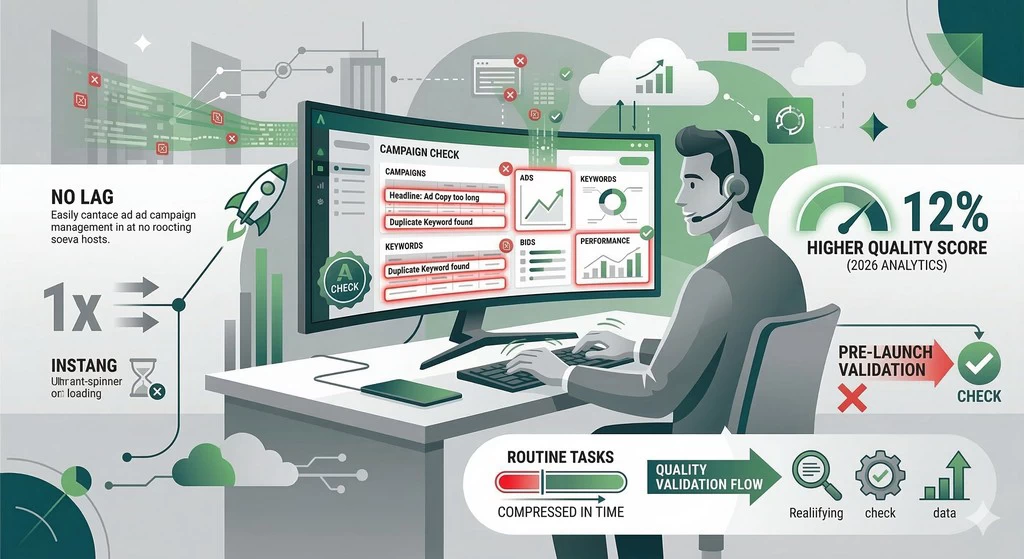
5. Finding Duplicates and Error Checking The Editor has a built-in validation system. If you forgot to add a link, wrote a headline that’s too long, or accidentally added the same word twice—the program will highlight it in red before you even launch. 2026 analytics show that campaigns checked through the Editor have a 12% higher Quality Score because they lack the minor technical glitches that annoy the search engine and lower your ad rankings.
6. Working on the Go and Offline You can work on your ads in an airplane, on a train, or anywhere with a poor internet connection. You make all your edits, and once you have a connection, you simply upload the data to the server. This is perfect for entrepreneurs who value mobility and don’t want to depend on a stable connection.
Google Ads Editor is a tool for those who have stopped viewing advertising as a lottery and started treating it as a precision instrument. It won’t replace your brain, but it will remove the routine from your life. If you want to manage ads professionally, lower costs, and stop spending your evenings on endless mouse clicks—install this program. This is the ultimate case of a free solution delivering million-dollar results.


Comments